
eBay Listing Generator
The eBay Listing Generator recreates an eBay item page the way it looks on a phone in 2026: the large listing photo with its round watchers heart and Share button, the bold item title and optional subtitle, the seller card with a lettered or photo avatar, underlined username, feedback score, positive percentage, Seller's other items link and Message pill, the big US $ price with “or Best Offer”, the Condition | Size | Brand facts row, the blue Buy It Now, Add to cart, Make offer and Add to Watchlist buttons, and the grey “People are checking this out” signal cards. Switch to an auction with the current bid, bid count and time left, or an auction with a Buy It Now price, add a Was or List price strikethrough with a coupon line, a “Sale ends in” timer, and the shipping, returns and location block, in light or dark mode. Everything runs in your browser, with no account and no uploads.
78 / 80 characters (eBay's limit)
One photo hangs the watchers pill below the image; two or more add eBay's thumbnail strip. Empty slots use the sample art.
The preview uses generated sample art. Upload your own product photo for a listing that looks real.
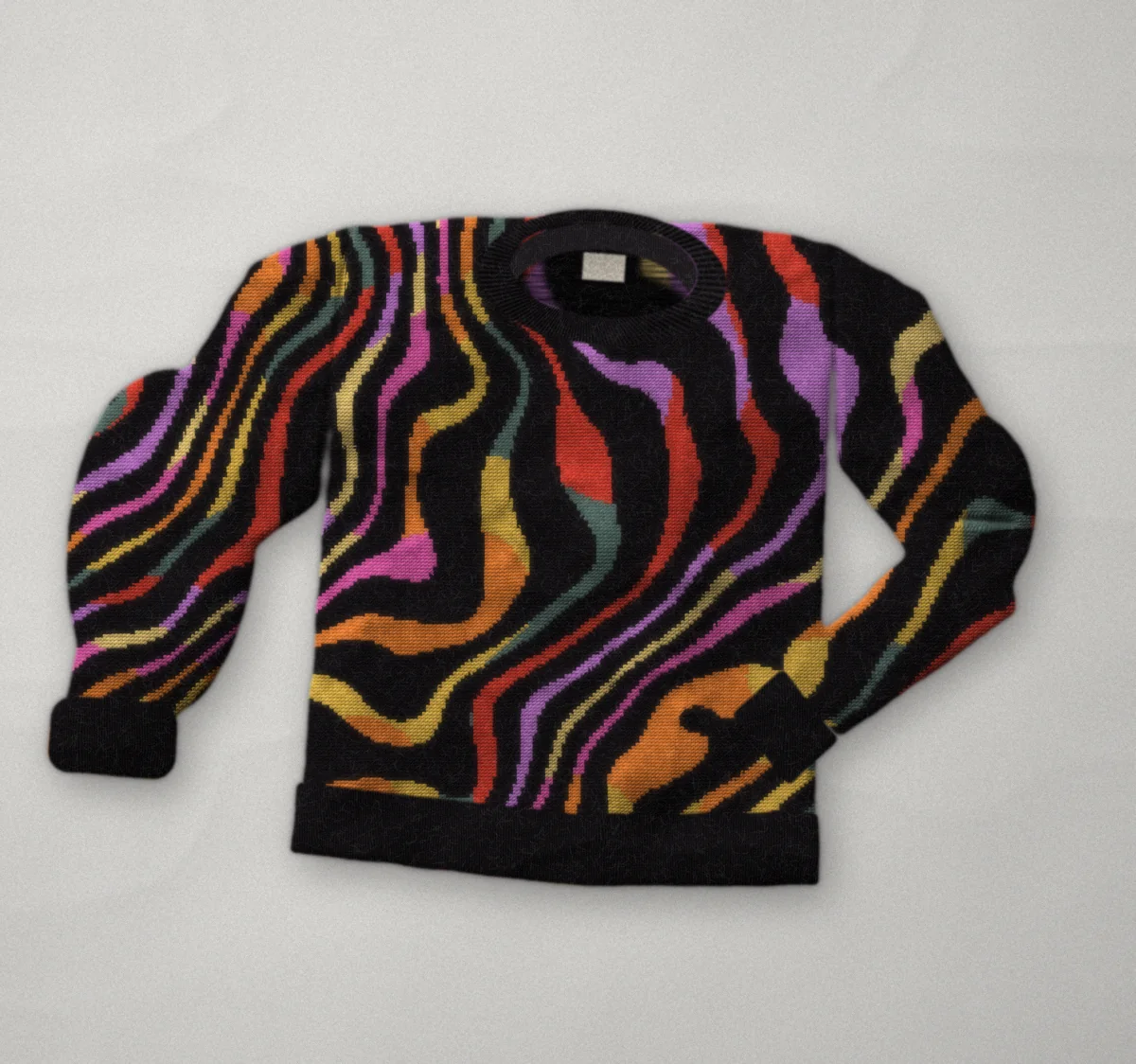 Main photo · sample
0 shows a plain heart; 1000+ shows as 4.8K.
eBay Listing Generator features
Buy It Now, Best Offer or auction
Pick a fixed-price listing with optional “or Best Offer” and the Make offer button, an auction with the current bid, bid count and Place bid button, or an auction with a Buy It Now price alongside it.
Prices, discounts and timers
Show a Was or List price strikethrough, a green coupon-code price line, and a “Sale ends in” countdown in eBay's two-unit 2d 7h style that turns bold red in the last 24 hours.
Photos, condition and item facts
Use a sample sweater, graded card or game console photo, or upload and crop your own, add a 1 of N counter or a status badge, and set the condition with a facts row or inline Condition line plus custom item specifics such as Size and Brand.
Seller card and buyer signals
Set the seller name, feedback score and positive percentage with a letter, grey or photo avatar, then add the watchers heart, Watching state, and the returns, watchers, Just listed and “This one's trending” signal cards.
High-resolution PNG export
Export the full listing as a sharp PNG rendered entirely client-side, with a matched stand-in for eBay's Market Sans font embedded.
How to make a ebay listing mockup
- 1
Add the photo and title
Pick a sample photo or upload your own, then type the item title and an optional subtitle, and choose light or dark mode.
- 2
Set the price and format
Choose Buy It Now, Auction or Auction + Buy It Now and fill in the price, Best Offer, strikethrough price, current bid, bids and time left.
- 3
Describe the item and seller
Set the condition and item facts, then enter the seller name, feedback score, positive percentage and avatar style.
- 4
Add signals and export
Set the watcher count, toggle the signal cards and shipping block, then download a high-resolution PNG.
What you can use it for
- Previewing how a listing's photo, title and price will look before you list
- Pitch decks and portfolios for e-commerce and marketplace designers
- Satirical “look what's for sale” posts and memes
- Teaching online selling, pricing and auction concepts
- UI comps for resale, marketplace and shopping apps
- Props for videos, films and social posts about reselling
Frequently asked questions
Is the eBay Listing Generator free?
Yes. It is completely free with no login, no account and no export limits. A Pro option removes the watermark and doubles the export resolution.
Is it legal to make a fake eBay listing?
Clearly fictional mockups are fine for design comps, pitches, education, satire and planning your own listings. Do not use one to sell items, impersonate real sellers, fake feedback or mislead buyers, and respect eBay's trademarks.
Can I make an auction listing?
Yes. Switch the format to Auction to show the current bid, the bid count and the time left with a Place bid button, or to Auction + Buy It Now to add a fixed Buy It Now price below the bid.
How does eBay show time left?
eBay shows the two largest units, such as 2d 7h, 23h 58m or 14m 5s, and the generator's timer follows the same style. In the last 24 hours you can switch the timer to eBay's bold red.
Is there a dark mode?
Yes. A dark theme based on eBay's dark design tokens is included alongside the default light eBay web look, though eBay's dark appearance varies by app and is approximated.
Does it work on mobile?
Yes. The generator runs in any modern mobile or desktop browser, so you can build and download an eBay listing mockup straight from your phone.